

Information technology automation is changing how businesses manage daily IT work. Tasks that once took hours can now be completed in minutes. From software updates to security checks, automation helps teams save time and avoid common mistakes. It also gives businesses a better way to stay organized as workloads grow.
Many companies depend on technology every day. When systems slow down or tasks pile up, productivity suffers. That is why more businesses are using automation tools to keep things moving. It is not about removing people from the process. It is about helping teams work smarter and focus on tasks that need real attention.
In this guide, we’ll look at how automation is changing IT, where it is used, and why it matters for modern businesses.
What Is Automation in Information Technology?
Automation in information technology means using software or tools to complete tasks without needing someone to do each step manually. These tasks are often repetitive, time-based, or routine.
Examples include:
- Installing software updates
- Resetting passwords
- Running backups
- Monitoring system performance
- Sending alerts when issues appear
Instead of asking an employee to handle every small task, the system can do it automatically. This helps save time and reduces delays. Many businesses use IT process automation to manage these routine jobs more efficiently.
Why Automation Matters in IT Today
Technology systems are more important than ever. Business operations rely on computers, networks, cloud tools, and online platforms to run daily operations. That also means IT teams have more to manage than before.
Without automation, teams can get stuck doing small repetitive tasks all day. That leaves less time for planning, support, and solving larger issues.
Automation matters because it helps businesses:
- Respond faster to problems
- Reduce manual work
- Improve accuracy
- Keep systems updated
- Support growth without adding extra workload
For many companies, this leads to better business IT efficiency and gives clear reasons to automate daily operations.
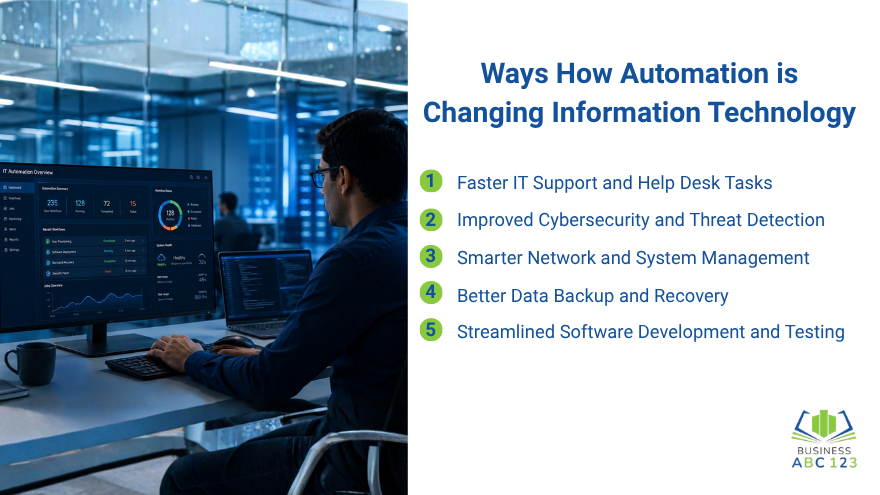
Ways How Automation is Changing Information Technology
1. Faster IT Support and Help Desk Tasks
Many IT requests are simple but repetitive. Password resets, account unlocks, access requests, and ticket routing can take up a lot of time. Automation tools can now handle many of these requests instantly.
For example:
- Users can reset passwords through self-service portals
- Support tickets can go to the right department automatically
- Chat tools can answer common questions
This helps users get faster support while giving IT staff more time for serious issues.
2. Improved Cybersecurity and Threat Detection
Security threats can happen at any time. Businesses need to act quickly when unusual activity appears. Automation helps by watching systems around the clock. If suspicious logins, malware activity, or unusual traffic are detected, alerts can be sent immediately.
Doing a few simple cybersecurity checks early can already prevent many cyber problems from becoming serious.
Some tools can also take basic action, including:
- Blocking suspicious access attempts
- Isolating infected devices
- Flagging risky emails
- Starting security scans
This gives businesses a faster first response and better protection.
3. Smarter Network and System Management
Keeping systems running smoothly takes constant attention. Servers, devices, and networks need updates, checks, and maintenance.
Automation helps IT teams by handling jobs like:
- Installing updates on schedule
- Monitoring storage space
- Checking network performance
- Restarting failed services
- Reporting system health
This reduces downtime and helps businesses avoid bigger issues later. Many companies use automated IT solutions for this kind of system management.
4. Better Data Backup and Recovery
Backups are one of the most important parts of IT. But people sometimes forget to run them manually. Automation solves that problem by scheduling backups at set times. Files, databases, and systems can be copied automatically without interrupting work. If something goes wrong, recovery can begin faster because recent backups are already available. This helps businesses protect important data and recover after accidents, hardware failures, or cyber attacks.
5. Streamlined Software Development and Testing
Automation also supports software teams. Building, testing, and launching updates manually can slow progress.
Now, many teams use tools that automatically:
- Run tests after code changes
- Check for bugs
- Deploy updates
- Roll back failed changes
This speeds up releases and helps maintain quality. It is a strong example of how IT workflow automation improves results.
Benefits of Automation in Information Technology
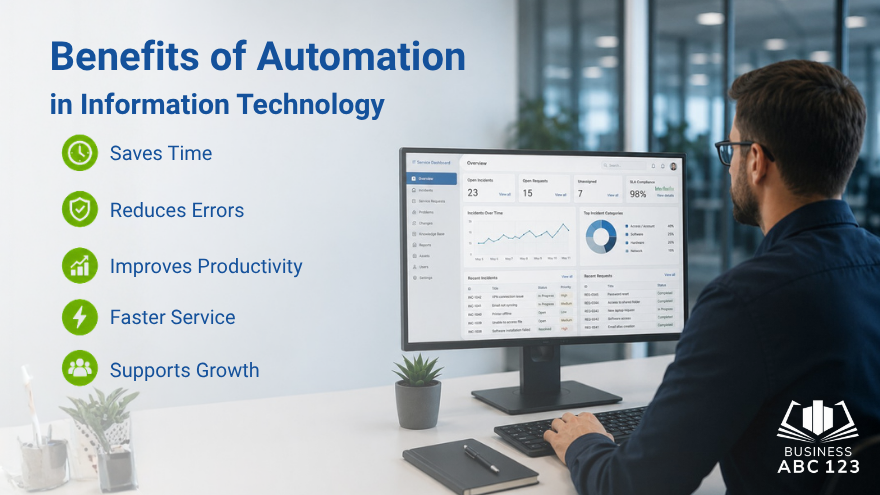
Businesses often see clear gains after adding automation to IT operations.
Saves Time
Routine tasks no longer need constant manual effort. Teams can spend more time on planning and problem-solving.
Reduces Errors
People can miss steps or forget tasks. Automated systems follow set rules each time.
Improves Productivity
Less time on repetitive work means more time for meaningful projects.
Faster Service
Users get faster help with common requests, like password resets and approvals.
Supports Growth
As a business grows, automation helps manage larger workloads without overwhelming the IT team.
These benefits make information technology automation valuable for both small and large businesses.
Challenges of IT Automation
Automation helps a lot, but it also comes with challenges.
- Setup Time and Cost: Some tools require investment, planning, and setup time before results appear.
- Staff Training: Employees need to understand how tools work and when to step in.
- Poor Setup Can Cause Problems: If rules are set incorrectly, systems may complete tasks incorrectly.
- Too Much Dependence: Automation should support people, not replace good judgment. Human review still matters.
- Security Access: Automation tools often need access to systems. Permissions should be managed carefully.
The best results come from balancing tools with smart oversight.
The Future of Automation in IT
Automation will continue to grow. Businesses want faster systems, better security, and smoother operations.
We will likely see:
- Smarter AI-based support tools
- Better predictive maintenance
- Faster cloud system management
- More self-service support options
- Improved monitoring across devices
As technology changes, automation will remain a key part of modern IT strategy.
Final Thought
Information technology automation is helping businesses save time, reduce mistakes, and improve daily operations. From security checks to support requests, automation makes IT work more efficiently and easier to manage. Companies that use information technology automation wisely can improve service, strengthen systems, and create better long-term results.
FAQs
What is automation in information technology?
Automation in information technology refers to the use of software or tools to automate routine IT tasks. This can include updates, backups, monitoring, and support requests.
How is Automation Changing Information Technology?
Automation is changing information technology by helping businesses complete tasks faster, reduce errors, improve security, and manage systems more efficiently.
What are common examples of IT automation?
Common examples include automatic software updates, password reset tools, scheduled backups, security alerts, and automated help desk ticket routing.
Why is automation important in IT today?
Automation is important because IT teams manage many systems every day. It reduces manual work, saves time, and allows staff to focus on higher-priority tasks.
Can small businesses benefit from IT automation?
Yes. Small businesses can use automation for backups, updates, customer support tasks, and system monitoring to improve efficiency without needing a large IT team.